
Available on PC & Mobile
Update ·
Textnotes

· February 9th
Brand New Textnotes Update v1.1.5.0! Now Available for Desktop PCs via Microsoft Store
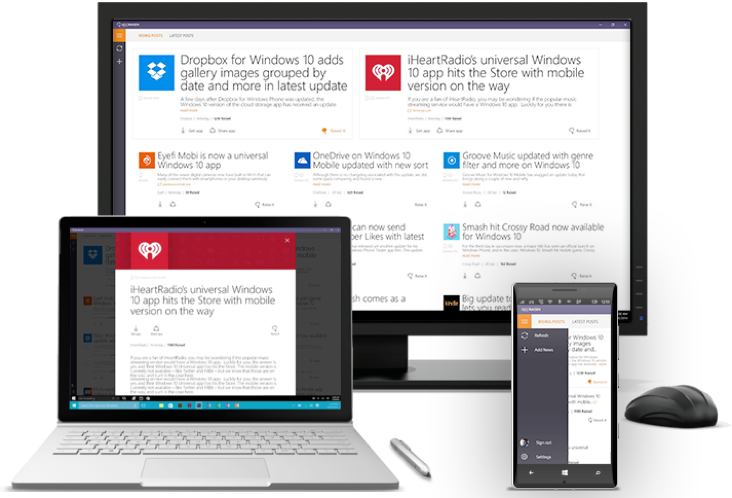
Brand new app update for Textnotes. The app now available for PCs with this brand new update which opens up note taking on PCs, tablets and mobile shared across on any Windows 10 device. The new update also features Fluent Design UI. Textnotes enables textpad lovers everyday for work and productivity to create notes and save them on the go on the built in file manager or cloud storage services such as Microsoft OneDrive, Dropbox, Google Drive etc. This makes life easier to access notes on any device with any notes application that can read txt. files anywhere, on any device you have created using Textnotes on their Windows 10 smartphone and PCs enabling you to keep everything up to date. Love the app, subscribe to Textnotes via Gumroad and show your support. With subscription, Scalefield will be bringing you new app updates to your Windows 10 devices! Get it now! Press the update button if you have not received the app update or the app will automatically get the update via Microsoft Store.
About Textnotes
Textnotes is a simple note taking app which stores notes as '.TXT' text files on the file system. You can use your own cloud backup using cloud services from Microsoft OneDrive, Dropbox, Google etc. to keep everything up to date and the ability to access your notes on your Windows 10 smartphone. Also, access your notes anywhere at anytime.
Textnotes Update:
v
1.1.4.0 (Update) - [06 February 2018]
Update Listing Features:
- New Fluent Design elements using light touch elements for Windows 10 Creators Update.
- Desktop PCs, tablets and 2-1 devices support
- Added subscription option to free app to purchase full app via Gumroad.
- Brand new Textnotes logo redesign
v1.1.5.0 (Update) - [08 February 2018]
- A updated 'About' page in Textnotes app with updated information
- Updated Textnotes store listing
- Bug fixes to reduce app crashes


Thanks